ChatGPT
Write resumes in ChatGPT and get them back in ATS-tested templates, as a PDF.
Overview
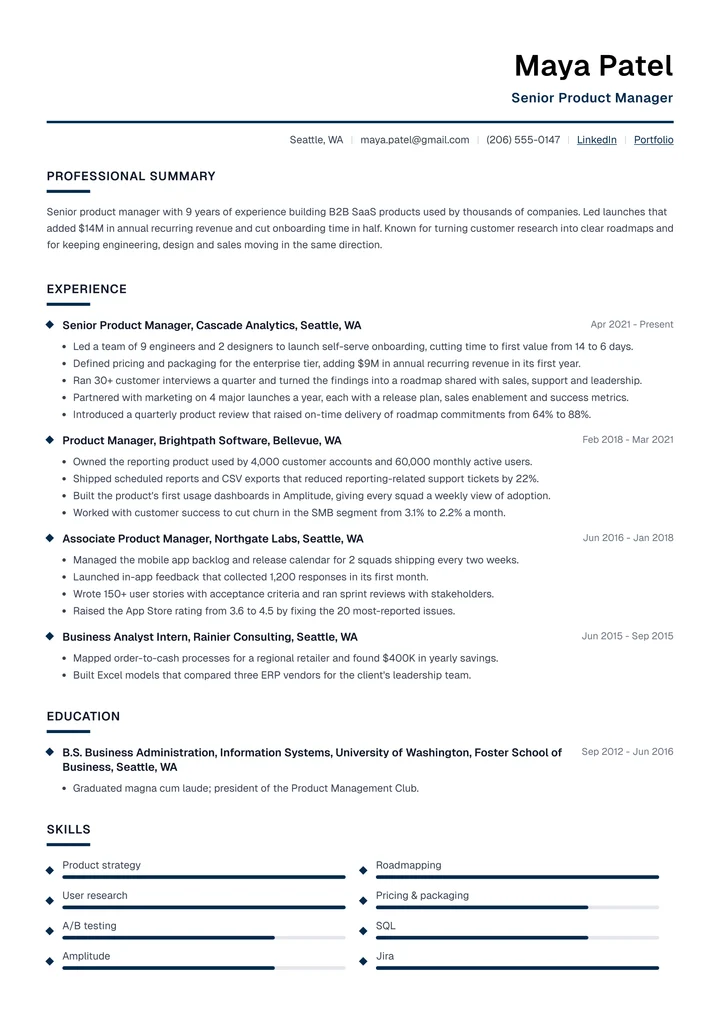
Connect Resumondo to ChatGPT and it does more than write resume text. It lays every resume out in an ATS-tested template, saves it to your account and gives you a link to the PDF.
Ask it to interview you, rewrite your old resume or tailor it to a job post. Everything it saves opens in the editor, where you can change any line.
What ChatGPT can do
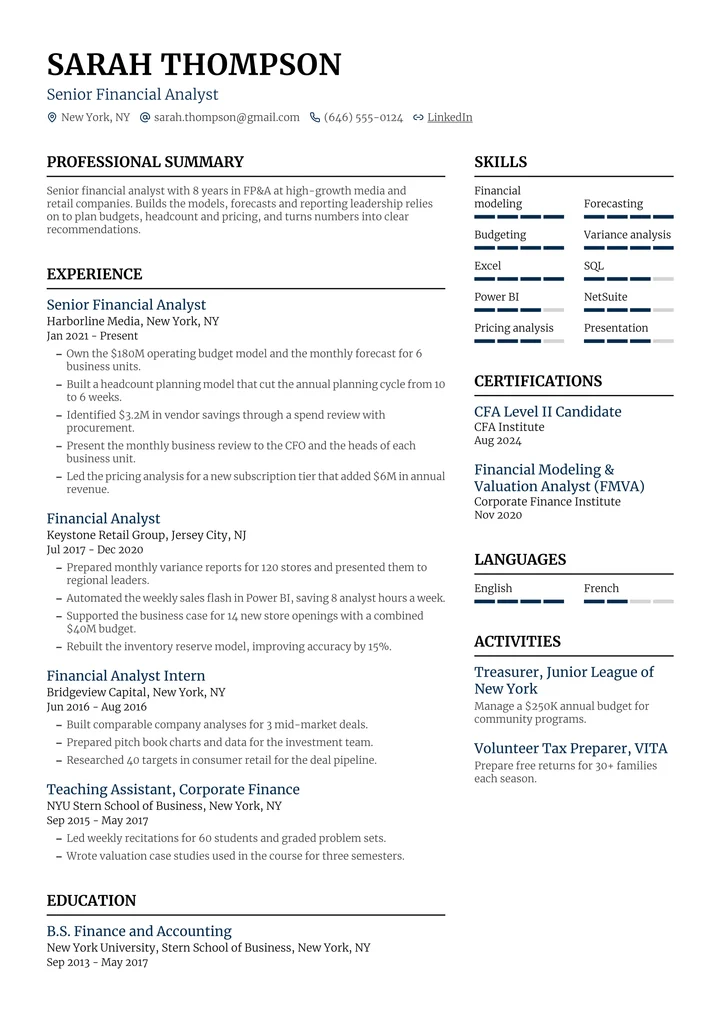
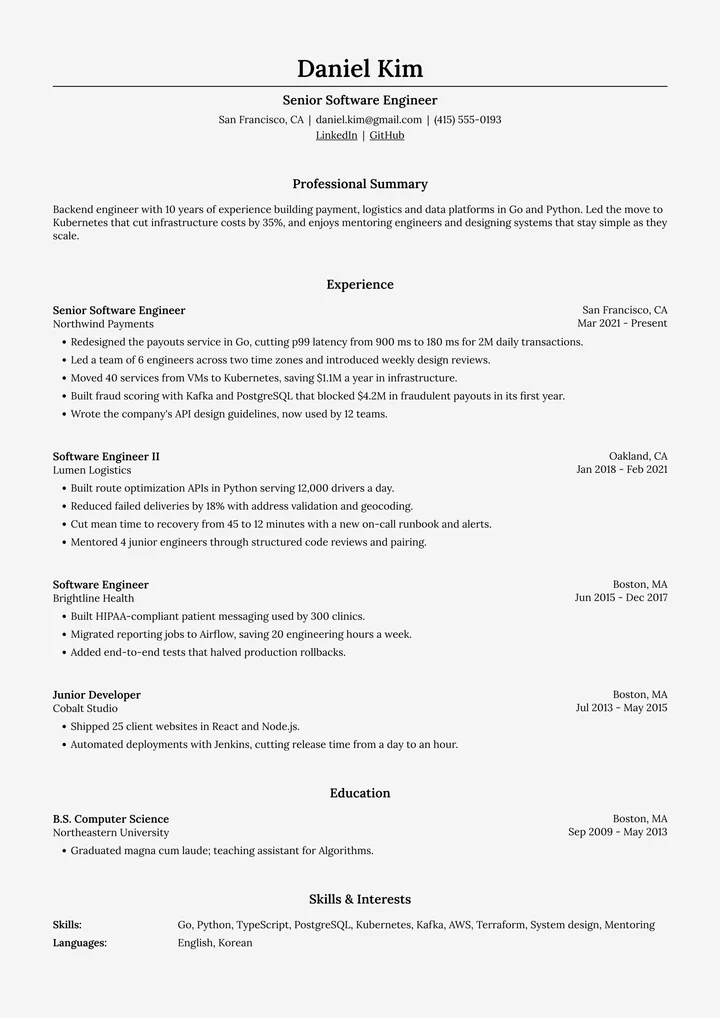
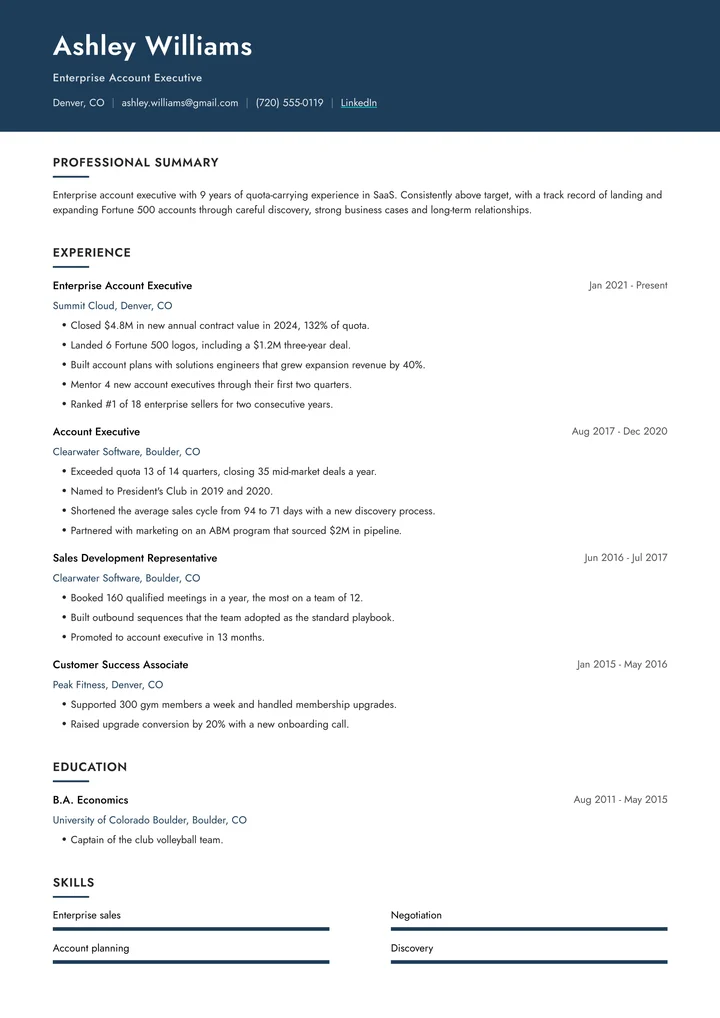
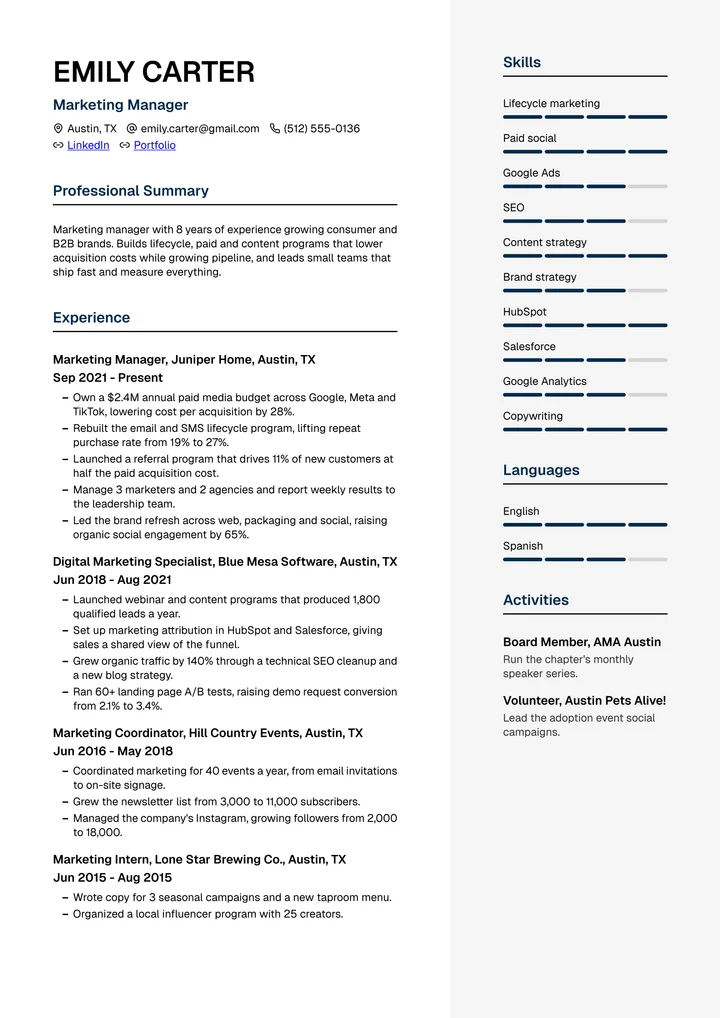
Pick an ATS-tested template
It sees every template and color, and lays your resume out in the one you choose.
Write and save your resume
It writes the resume in the chat and saves it to your account, with a link to the PDF.
Tailor it to a job
Paste a job post. It reads your saved resume and saves a version for that job.
Write cover letters
Letters come out in a design that matches your resume, with your details filled in.
How to connect it
- Go to chatgpt.com/plugins, click + and choose Add custom MCP server.
- Name it Resumondo and paste this as the Server URL:
https://resumondo.com/api/mcp - Choose OAuth, tick I understand and want to continue and click Create.
- Open the new plugin and click Connect, then sign in to Resumondo and click Allow.
- In a chat, type @ and pick Resumondo.
Works on chatgpt.com, not in the ChatGPT mobile apps, and needs a paid ChatGPT plan. On Business, Enterprise and Edu, a workspace admin may have to allow custom MCP servers first.
What ChatGPT can access
After you sign in, ChatGPT gets these tools, and nothing else:
- get_profileReads your name and email, to know whose account it's working in.
- list_resumesLists your saved resumes, to find the one you mean.
- get_resumeReads a saved resume, to improve it or tailor it to a job.
- list_templatesLists the templates and colors you can choose from.
- create_resumeSaves a new resume to your account and returns a PDF link.
- update_resumeReplaces the content of a resume you saved earlier.
- create_cover_letterSaves a new cover letter in a matching design.
- update_cover_letterReplaces the text of a cover letter you saved earlier.