Skip to content

Ledger resume template

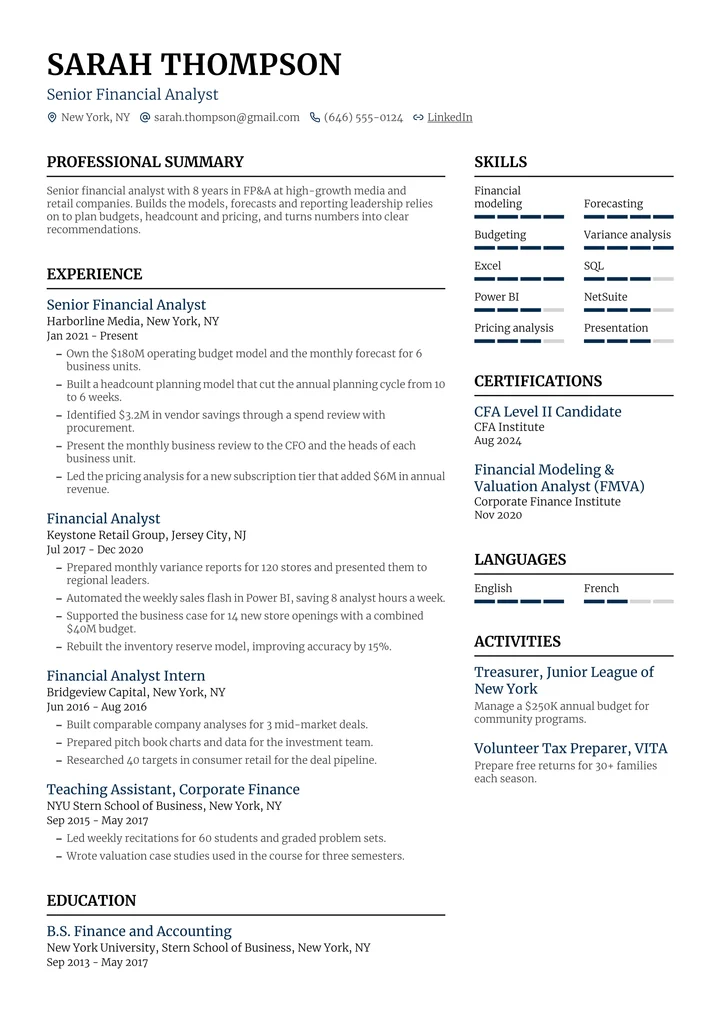
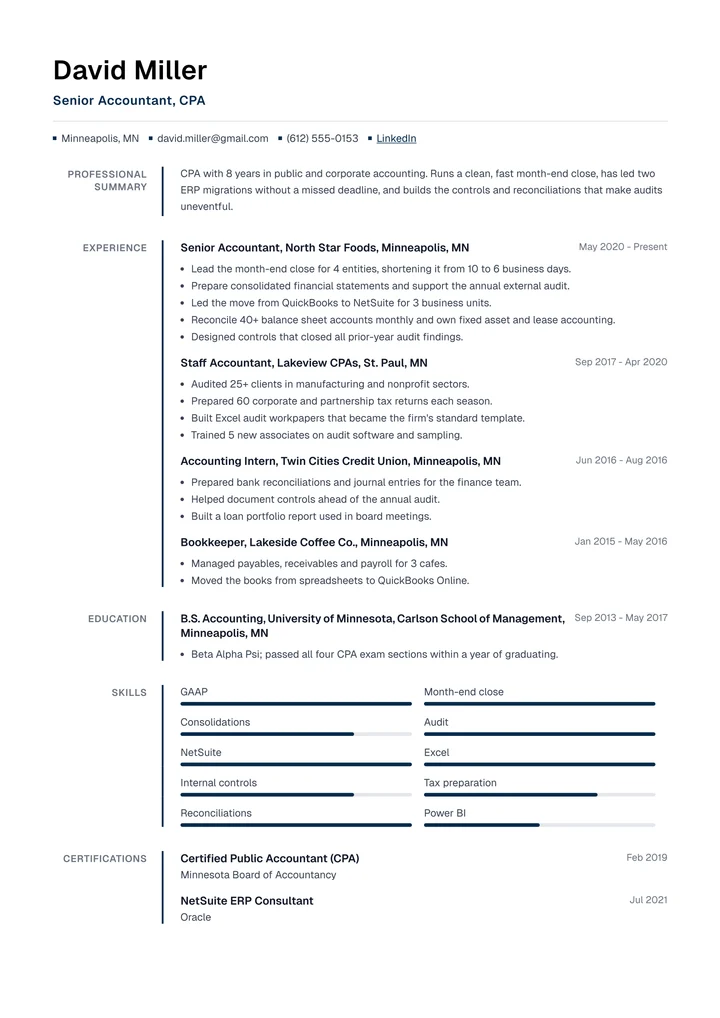
Section titles in a narrow left column, set off by a thin accent line. Easy to scan top to bottom.
Use this template
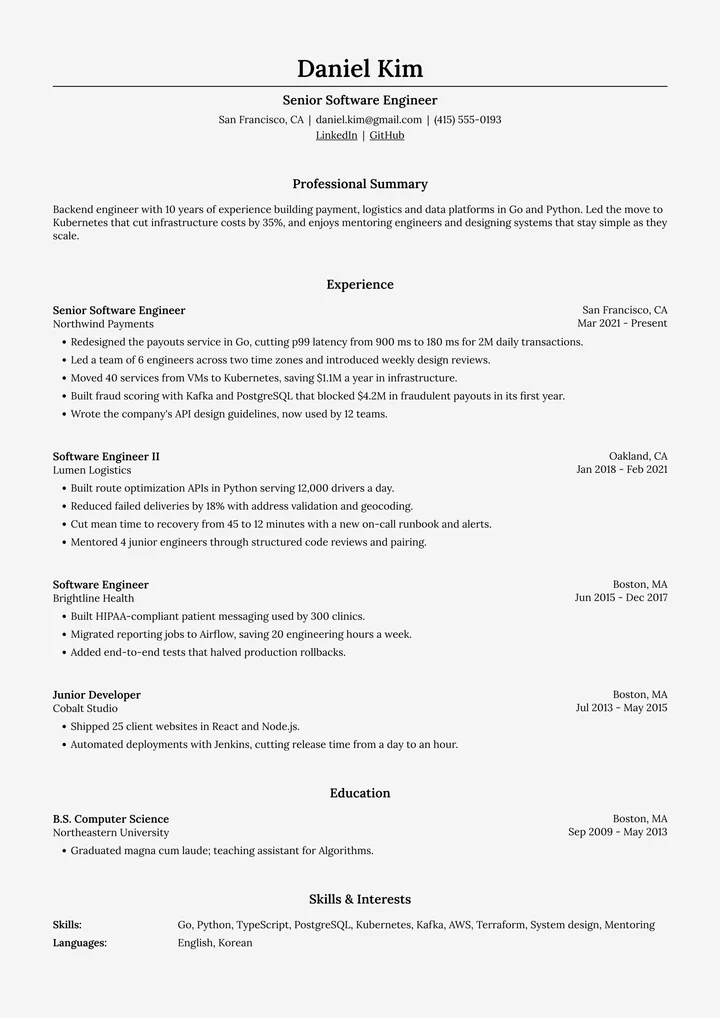
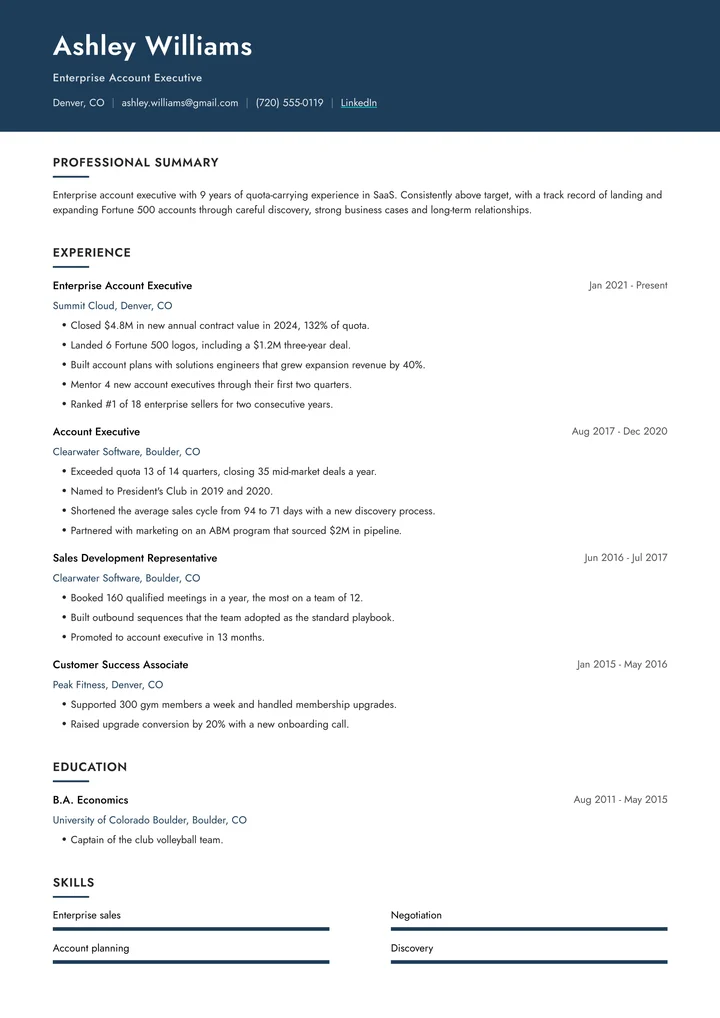
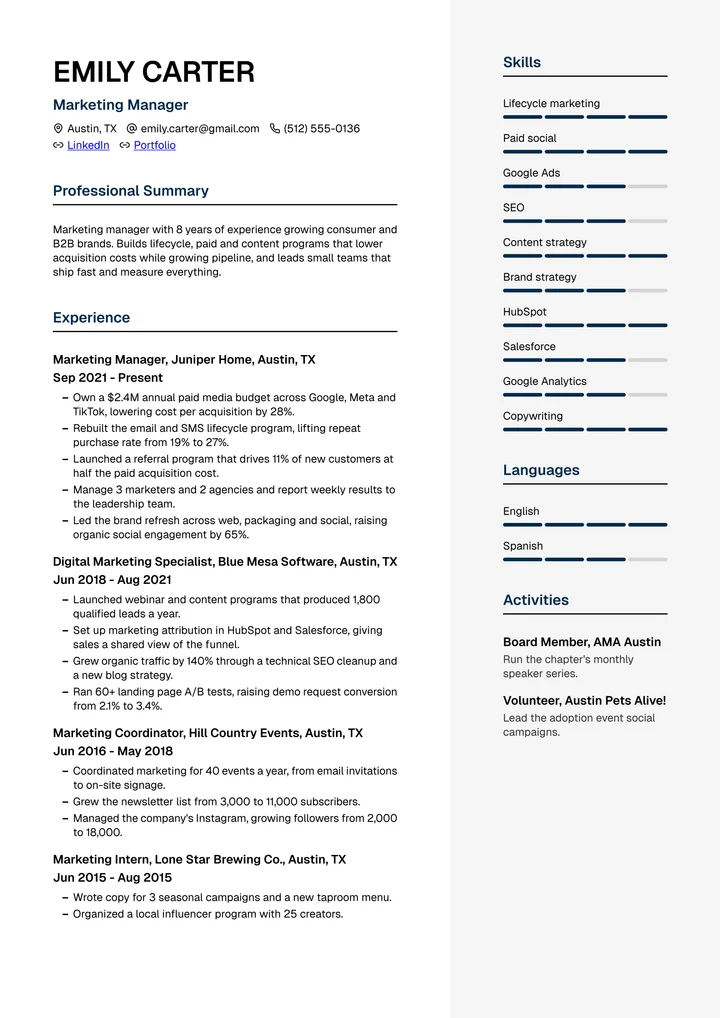
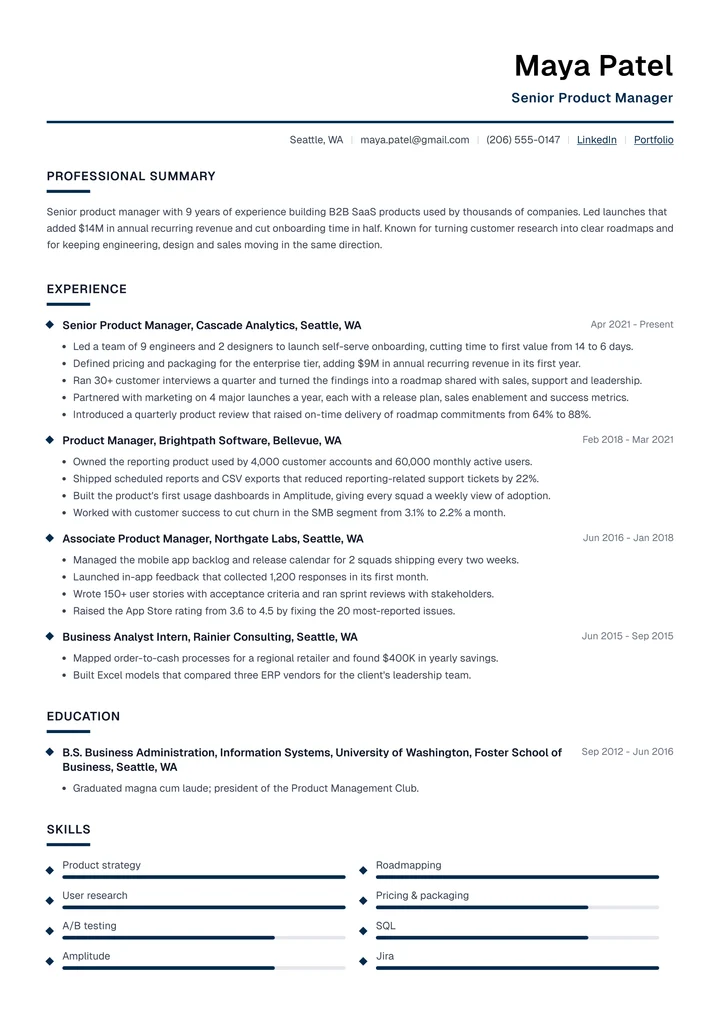
Ledger resume template filled in for a senior accountant
Resume

Overview

Ledger puts every section title in a narrow column on the left and runs a thin accent line between the titles and your content. The result reads like a well-kept record: a recruiter can jump straight to Experience, Education or Skills.

It suits structured careers with clear progression, such as engineering, finance, analytics and consulting. Skills show as short level bars, so a technical stack fits without crowding the page.

Where it works best

  • Software engineers
  • Data and financial analysts
  • Accountants
  • Consultants
  • Operations roles

The example above is filled in for a senior accountant. Your own resume follows the same layout, whatever your field.

Make it yours
Your colors and font

Pick any of 32 accent colors and 9 fonts, then fine-tune the size, spacing and margins.
Written with AI

Talk to the resume expert or import your old resume, then let the AI assistant sharpen every line.

Headings in your language

Section headings come in 10 languages, and the AI keeps the language you write in.
Switch any time

Try another template in one click. Your content stays, and the layout follows.

Built to get through an ATS

  • Real, selectable text in the PDF, never a picture of text.
  • Standard section headings that tracking systems recognize, like Experience, Education and Skills.
  • Audited: we fill Ledger with a full sample resume, export the PDF and read it back the way an ATS does, field by field.

Before you apply, run your own file through the ATS resume checker to see what a tracking system reads and what to fix.

Your resume in Ledger, in three steps

  1. 1Pick Ledger

    Sign up free and choose it in the editor.

  2. 2Tell your story

    Talk to the resume expert, or import your old resume.

  3. 3Check it and apply

    Fix what the ATS flags, then download your PDF.

Questions about Ledger

Something else? Email us

Is the Ledger template ATS-friendly?

Yes. Ledger exports a PDF with real, selectable text and standard section headings. We fill it with a full sample resume, export the PDF and read its text back the way an applicant tracking system does, then check that every field comes through: name, contact details, dates and every bullet.

Can I change the colors and fonts?

Yes. Pick any of 32 accent colors and 16 background colors, choose from 9 fonts, and adjust the font size, spacing and margins. Ledger starts in Geist.

Is there a matching cover letter?

Not yet. Ledger is a resume design. These templates have a matching cover letter: Zenith, Horizon, Modern Pro, Clean, Executive, Meridian, Prism, Atlas, Nova, Classic, Default.

Do I have to add a photo?

No, the photo is optional. Add one in the editor and choose round, rounded or square corners, or leave it out where photos aren't expected, as in the US and the UK.

Can ChatGPT or Claude write my resume in Ledger?

Yes. Connect Resumondo to ChatGPT, Claude or another AI assistant and ask for a resume in the Ledger template. It saves the resume to your account in Ledger, with a link to the PDF.

Be the candidate they call back

Build yours in Ledger and switch designs any time. Free to start, no credit card.

4.58out of 5

49,000+ job seekers