Why ChatGPT resumes fail ATS and how to export a clean PDF.
Asking ChatGPT to export a PDF resume feels fast until a job portal scrambles your work history or drops your phone number. The issue is rarely the words ChatGPT wrote; it is how the PDF file stores text underneath. Here is what breaks inside applicant tracking systems, how to test your PDF in one minute and the cleanest ways to export a file that parses properly.
Resumondo team5 min read
What actually breaks when you export a resume from ChatGPT
An applicant tracking system (ATS) is the software employers use to store applications, pull out your name, jobs, dates and skills, and let recruiters search candidates by keyword. It does not look at your PDF the way a human eye does; it reads the raw text stream inside the file.
When you ask ChatGPT to build a PDF with Python or paste ChatGPT text into a stylized template, six common formatting traps break that text stream:
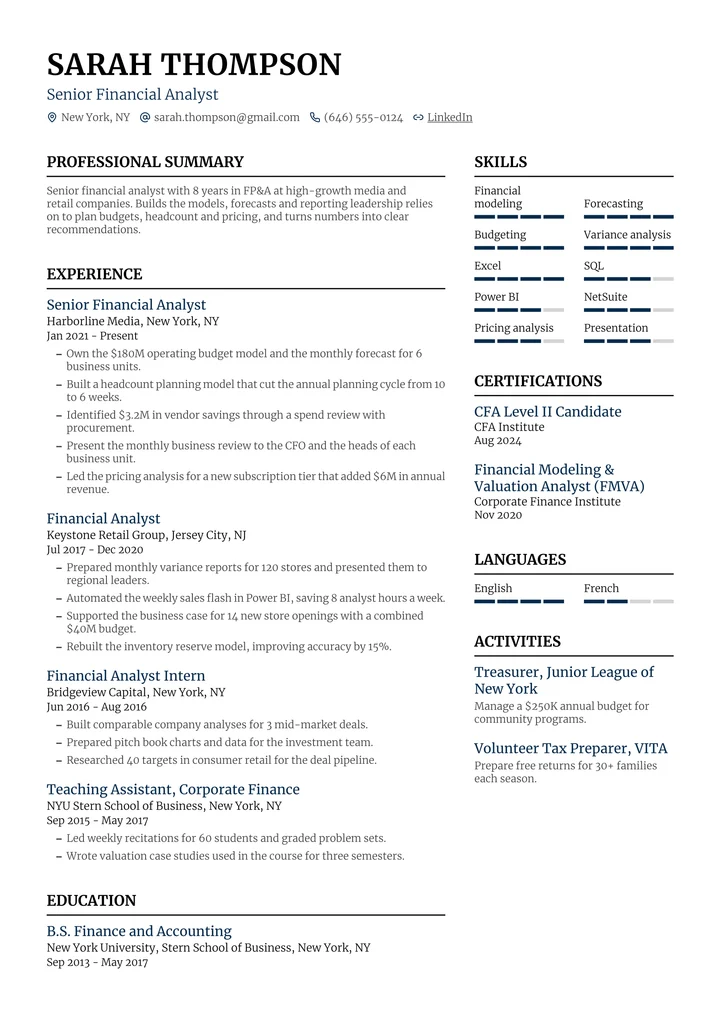
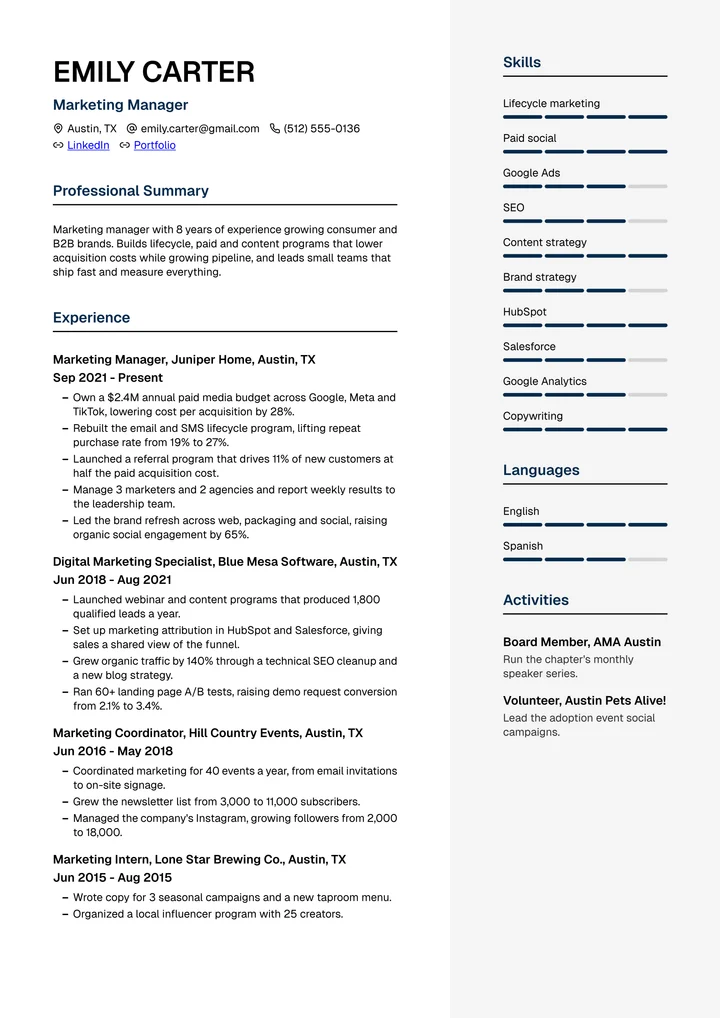
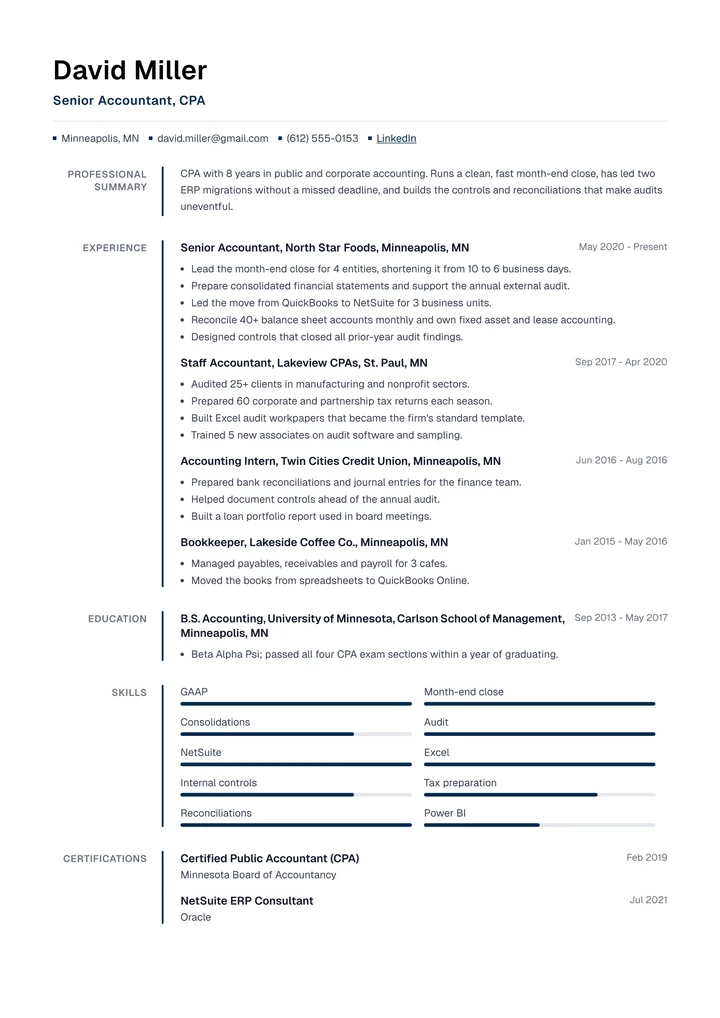
- Mixed reading order in columns: some multi-column PDFs store text line by line across the whole page, so your job title gets merged with an unrelated skill on the same horizontal row.
- Contact info in headers or footers: many parsers ignore the page header area, leaving your email, phone and LinkedIn missing from your candidate profile.
- Tables and text boxes: layout tables used to align dates or sections often output cells out of order or split job dates away from their employer.
- Skill bars and icons: progress bars, star ratings and graphical icons are invisible to text parsers. If a skill only appears as an icon, it will not show up in keyword search.
- Text rendered as images or broken fonts: some web-to-PDF tools flatten text into images or use broken font encoding that turns words into gibberish symbols.
- Non-standard headings: creative labels like My Story or What I Bring make it harder for parsers to map your work history into the Experience field.
The 60-second test every ChatGPT PDF should pass
Before you send any resume PDF, run this quick local check on your computer. It reveals most parsing bugs immediately:
- Open your finished PDF in a normal PDF viewer (Preview on Mac, Chrome or Edge).
- Press Ctrl+A (or Cmd+A) to select all text, then copy it.
- Paste the text into a plain text editor (Notepad, TextEdit in plain text mode or a blank note).
- Read the pasted text from top to bottom.
Check four things in that plain text:
PassYour name, email and phone appear at the very top. Each job keeps its title, company, dates and bullets together in order. Every skill is real text.
FailYour contact details disappear, dates jump to the bottom of the page, two columns mix into one sentence, or letters paste with extra spaces like E X P E R I E N C E.
If the plain text looks scrambled to you, an ATS parser will struggle with the exact same file.
Comparing the three ways to export a ChatGPT resume
Once ChatGPT finishes writing your content, you have three realistic paths to a final PDF. Each has clear tradeoffs:
| Export method | ATS reliability | Effort to format | Main catch |
|---|---|---|---|
| ChatGPT Python PDF export | Low to medium | Fast at first | Margins, page breaks and tables break often; hard to tweak visually |
| Paste into Google Docs or Word | High if kept plain | 20 to 40 minutes per layout | Easy to accidentally add headers, tables or broken spacing when editing |
| Save straight to an ATS-tested template via MCP | High | Under 2 minutes | Requires connecting an MCP app like Resumondo |
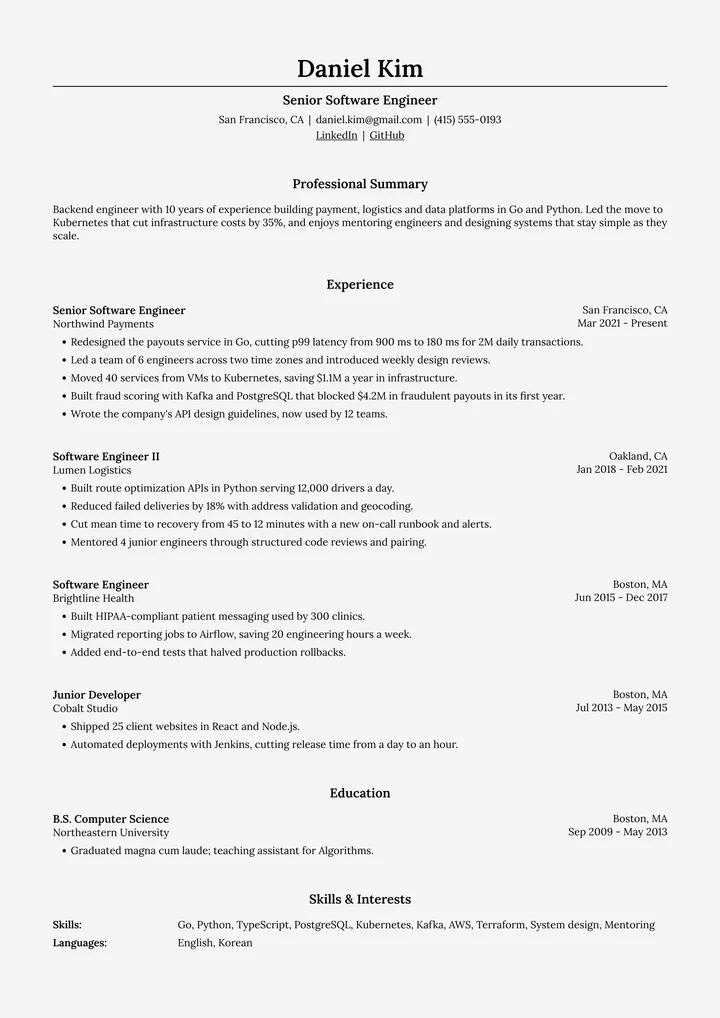
If you choose Google Docs or Word, keep the layout strict: single column, standard fonts, contact info in the main document body (never the page header), plain round bullets and standard headings (Summary, Experience, Education, Skills). Export as PDF directly from Docs or Word instead of taking screenshots or using third-party web converters.
Use this ChatGPT prompt to keep your draft parser-safe
Even before exporting, you can stop ChatGPT from suggesting layout tricks that hurt parsing. Paste this instruction when asking it to prepare your final draft:
Prepare the final text of my resume so it is easy for applicant tracking systems and recruiters to read. Rules: - Use standard section headings only: Summary, Experience, Education, Skills, Certifications (only include sections where I have real content). - Format every role consistently: Job Title, Company, City and State, Start Month Year to End Month Year (or Present). - Use plain bullet points with no special icons, emoji or skill bars. - Write out common acronyms once alongside the full term if the job posting uses both (for example, Search Engine Optimization (SEO)). - Keep all facts strictly to what I provided and do not add invented numbers.
If you still need help writing the underlying bullets from scratch, use our step-by-step ChatGPT resume prompts.
Skip copy-pasting with an ATS-tested template
If you use ChatGPT or Claude regularly during a job search, re-formatting a Word doc for every tailored application adds up quickly. Connecting Resumondo to ChatGPT or Claude over MCP lets the assistant save your structured resume directly into an ATS-tested template and hand back a clean PDF link.
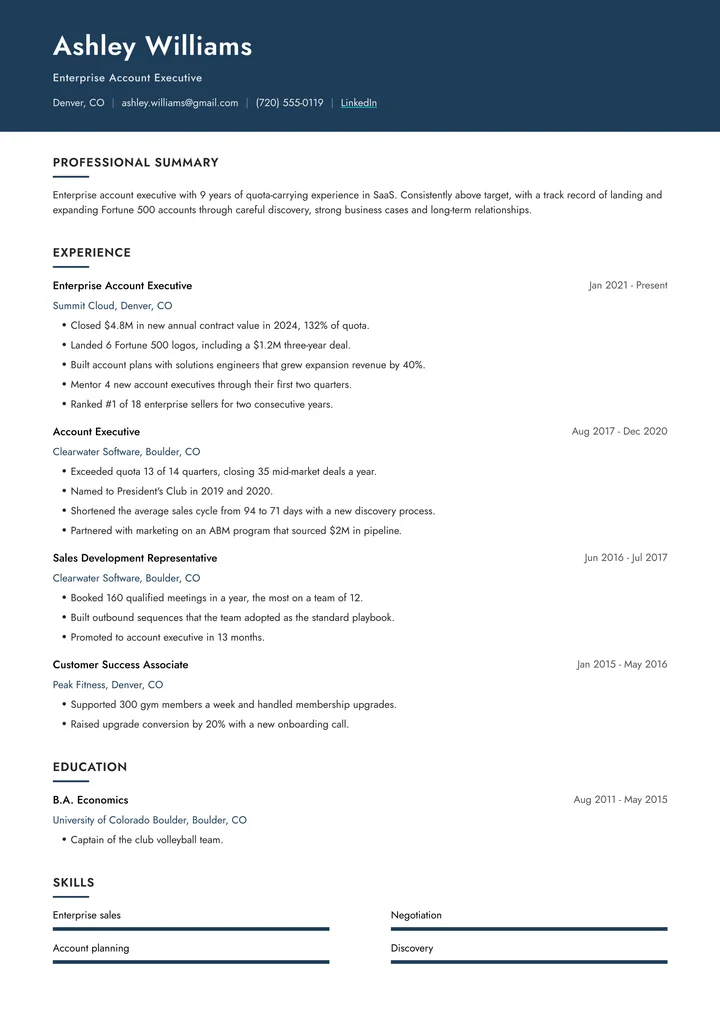
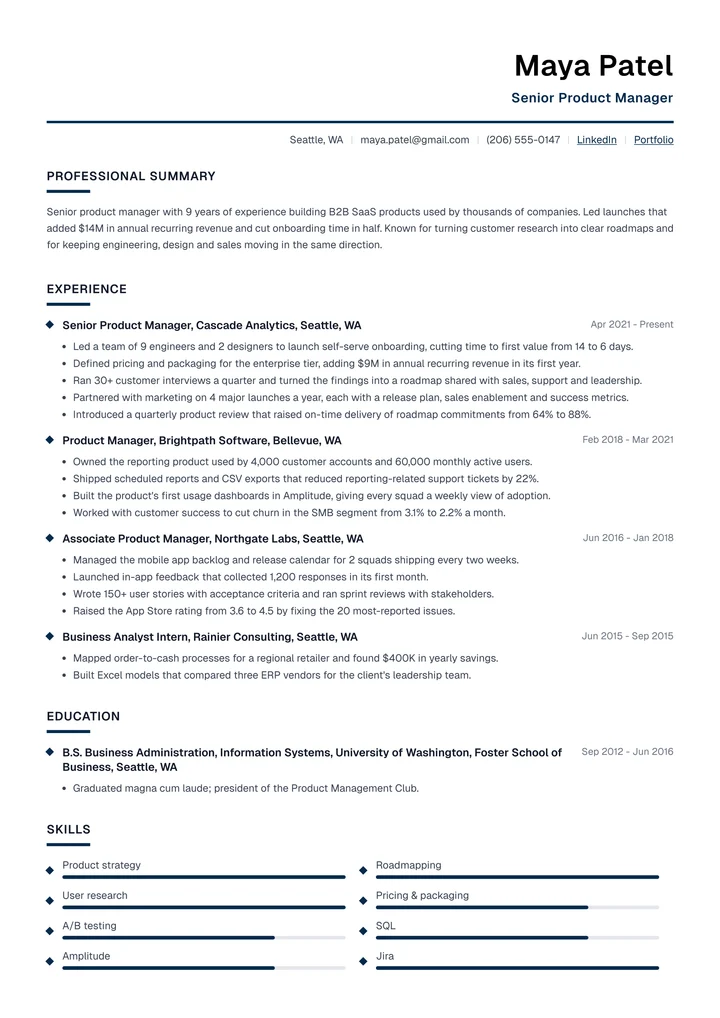
We audit every template in our resume template library the same way: fill it with a complete sample resume, export the PDF and read the text layer back the way an ATS parser does to verify that contact info, dates and every bullet come through in order, including in two-column layouts.
Once connected (see our ChatGPT resume builder page or ChatGPT setup guide), ask ChatGPT to save the draft directly:
Save this resume in Resumondo using a clean single-column template like Ledger or Horizon, and return the PDF download link.
Connecting ChatGPT or Claude via MCP is included in Monthly Access and Lifetime Access. If you already have a PDF made elsewhere and just want to verify it before applying, upload it to Resumondo’s ATS resume checker. It shows your score across parsing, formatting and content, displays the exact text the ATS reads from your file and checks keyword match against a job posting. Your first check is free.