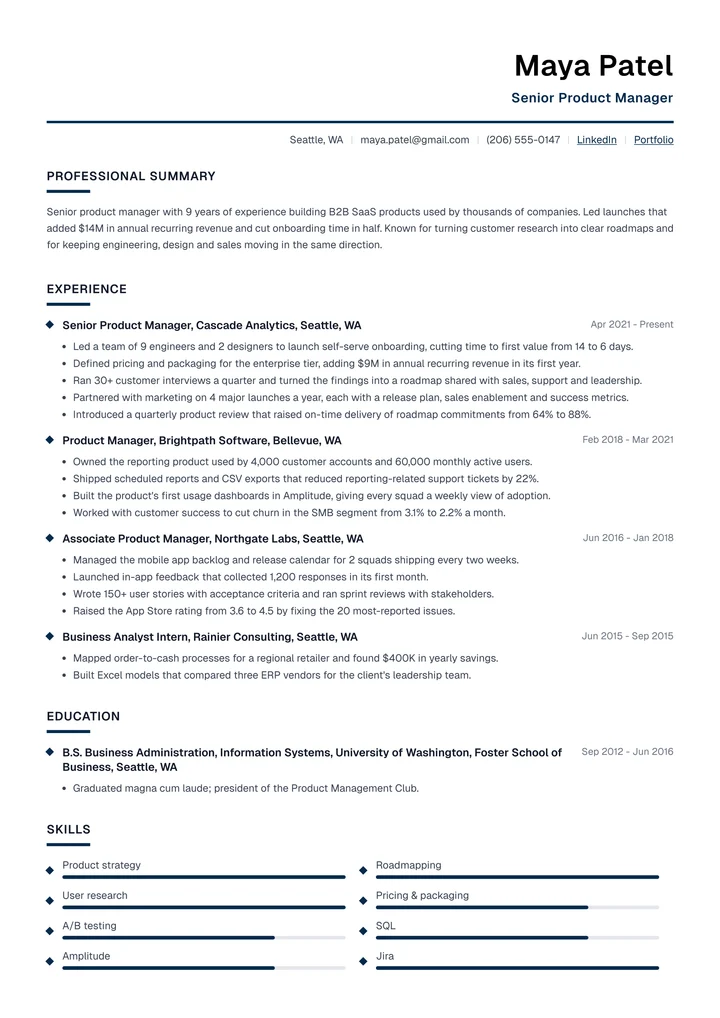
How a resume MCP server works in ChatGPT, Claude and Cursor.
If you write resumes with an AI assistant, you already know the bottleneck: chat gives you plain text, and turning that text into a clean PDF takes longer than writing it. A remote MCP server solves that gap by letting your assistant read your saved resume, tailor it to a job and export a formatted PDF directly from the chat.
Resumondo team5 min read
What a resume MCP server actually does
MCP stands for Model Context Protocol, an open standard that lets AI apps talk to external tools through structured calls instead of copy-pasting. With a remote resume MCP server connected, your AI assistant stays in charge of writing, while the resume builder handles storage, layout and PDF rendering.
In practice, that changes your workflow from five manual steps to one conversation:
- Without MCP: paste your old resume into chat, copy the rewritten text, fix broken bullets in Word, fight page margins, export to PDF and lose track of which version went to which company.
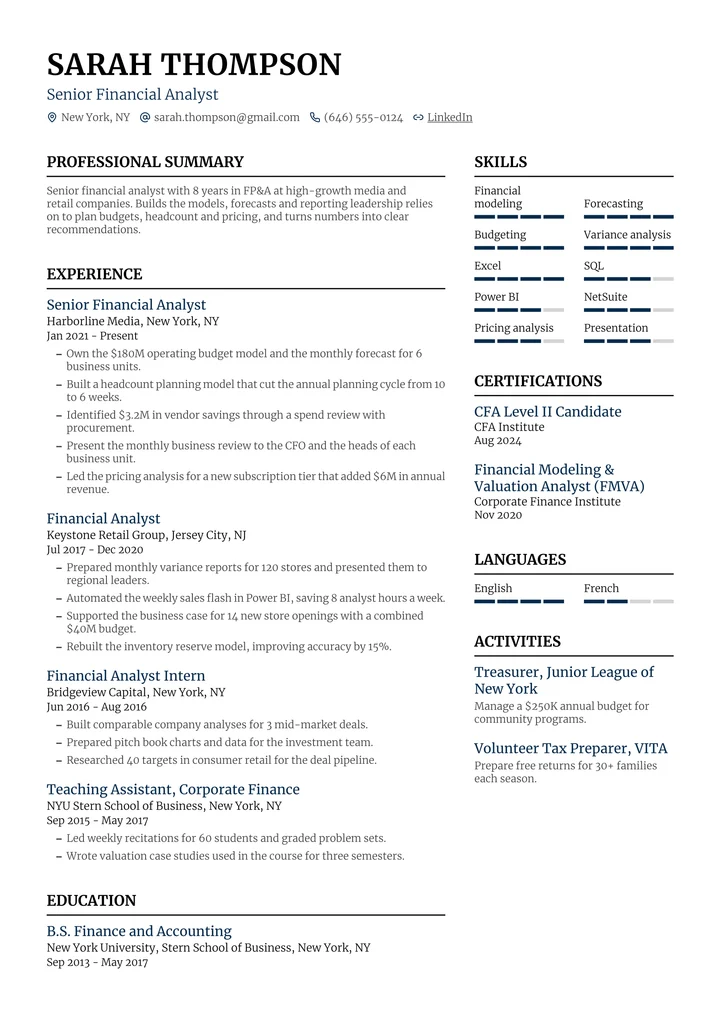
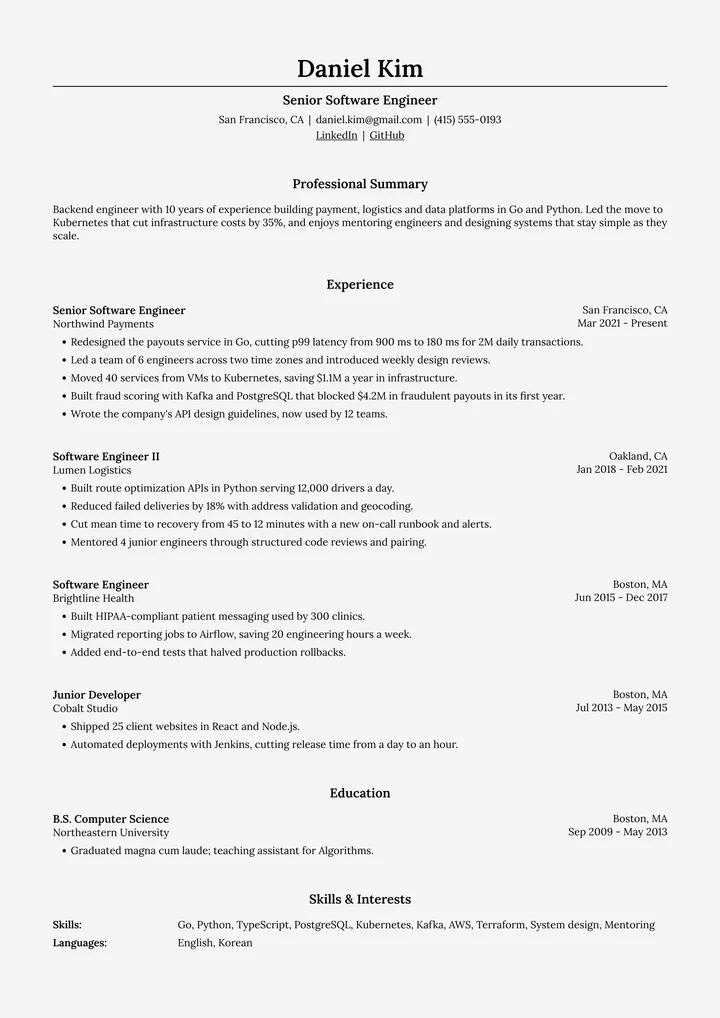
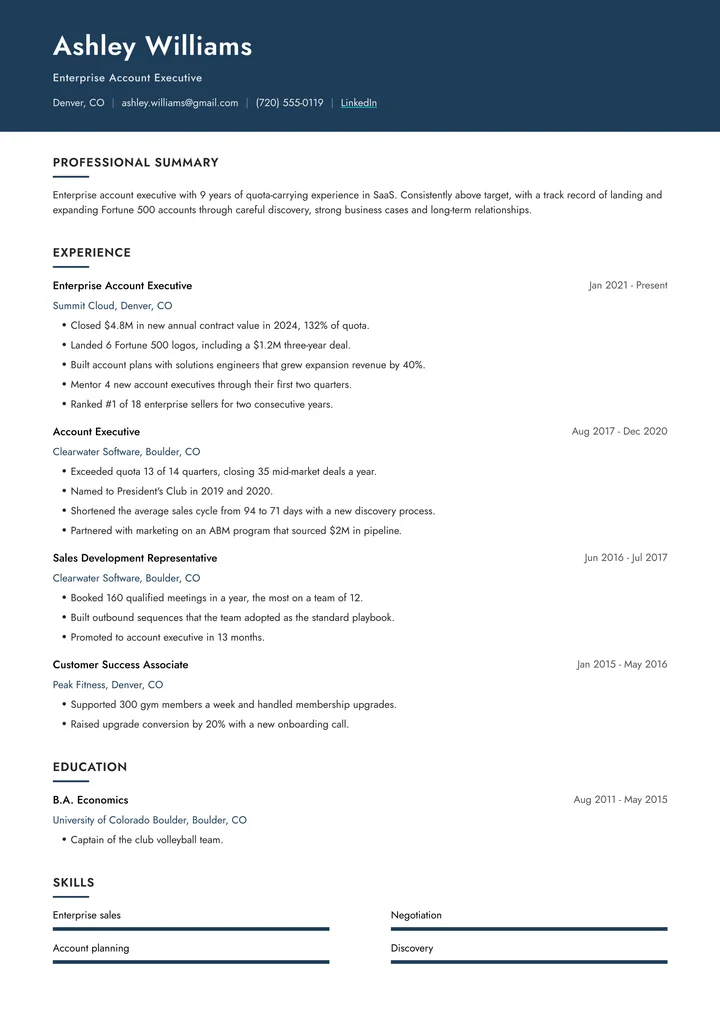
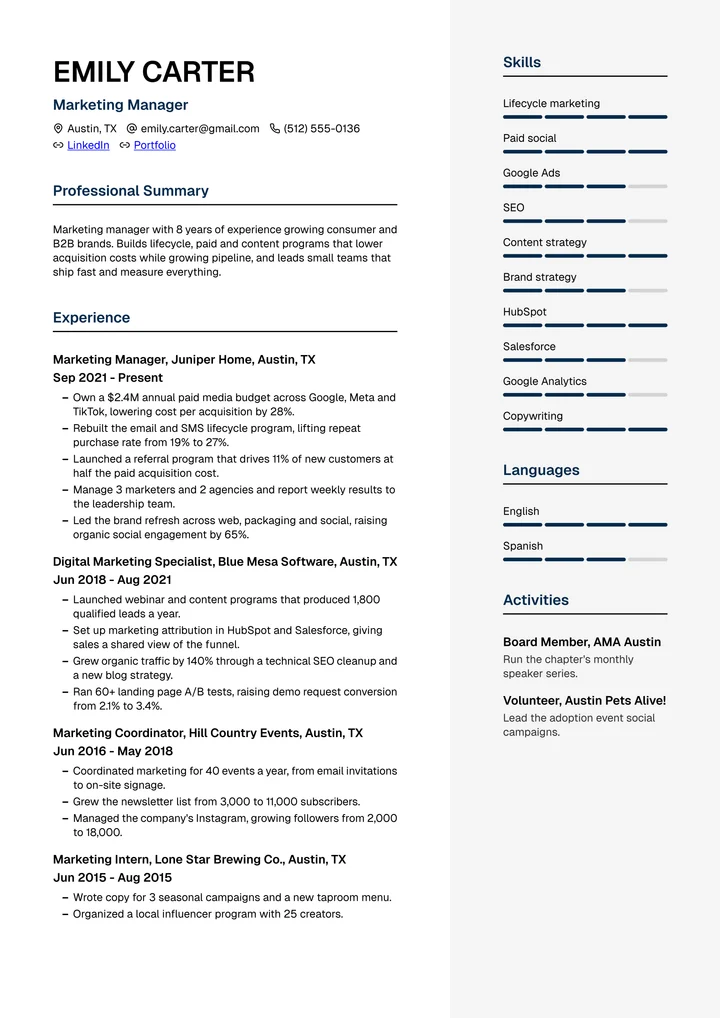
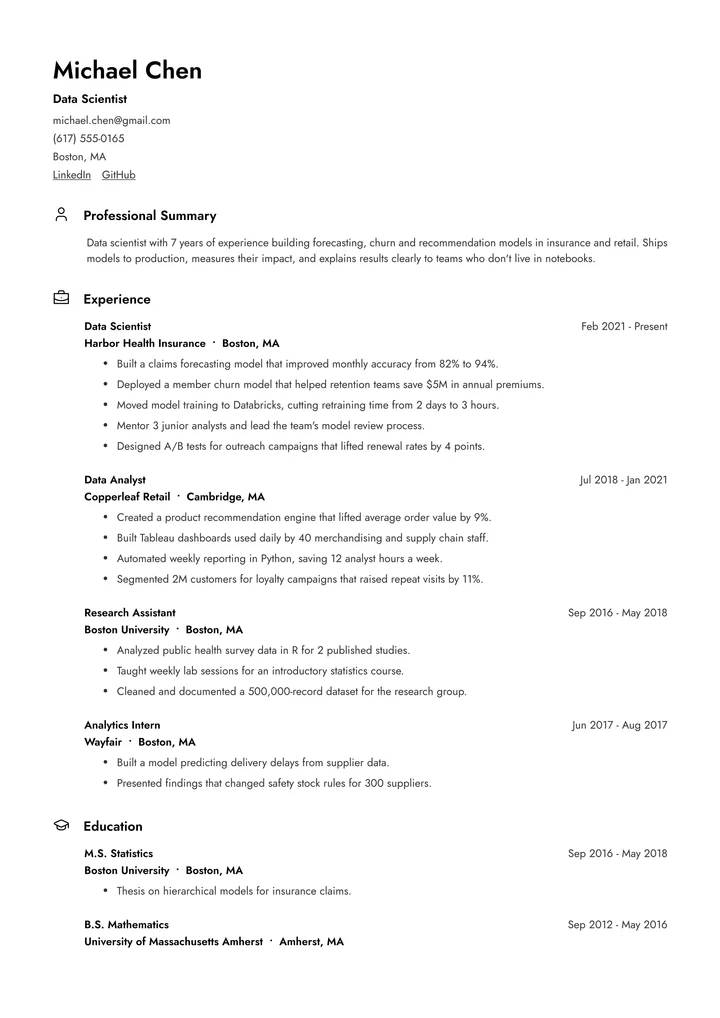
- With MCP: ask your assistant to read your saved resume, tailor it to a job posting and save a new version in a tested template. You get back an editor link and a PDF download link valid for 7 days.
Because the server generates the PDF from structured fields (contact info, employment dates, bullets, skills), the output keeps real selectable text and standard headings that an applicant tracking system (ATS) can read cleanly.
Which AI apps work with a remote MCP server
Resumondo runs a remote HTTP MCP server with OAuth sign-in, so there is no local server to install and no API key to paste into config files. The setup varies slightly by client:
| Client | Where it works | How you connect |
|---|---|---|
| Claude | claude.ai, desktop and mobile | One click from Claude’s connector directory (works on Claude’s free plan) |
| ChatGPT | chatgpt.com on the web | Add custom MCP server in plugins settings (needs a paid ChatGPT plan) |
| Claude Code | Terminal CLI | One command with claude mcp add, then authenticate in browser |
| Codex | CLI, IDE extension and app | One command with codex mcp add, then codex mcp login |
| Cursor | Cursor editor | One-click install link or mcp.json entry, then OAuth sign-in |
| VS Code | GitHub Copilot Agent mode | One-click install link or .vscode/mcp.json, then OAuth sign-in |
Clients that only support local stdio servers cannot connect to a remote HTTP server directly. For Zed and other remote MCP clients, see the other clients guide.
What tools your assistant gets (and what it cannot touch)
Security matters when you give an AI assistant access to your career history. You should know the exact permissions granted when you click Allow during OAuth sign-in.
Resumondo exposes eight focused tools over MCP, listed in full in the MCP tools reference:
- Reading your account: get_profile reads your name and email, list_resumes shows your saved documents, get_resume loads one resume’s structured fields and list_templates returns available templates and accent colors.
- Creating and updating documents: create_resume and create_cover_letter save new documents and render their PDFs; update_resume and update_cover_letter replace an existing document’s content.
Three boundaries stay enforced on the server side:
- No delete tool: an assistant can never delete a resume, cover letter or account.
- No billing access: it cannot see payment details or change your subscription.
- No hidden rewriting: the MCP tools do not run extra AI on your text. Every word saved comes from your conversation, so you stay in control of what goes on the page.
You can disconnect any client at any time from your Resumondo account settings.
A practical workflow for tailoring to multiple jobs
Most job seekers apply to several roles at once. Keeping one master resume in Resumondo lets you spin off targeted versions in a few minutes without overwriting your base copy.
Start by building or importing your base resume once, then use this prompt whenever you find a new opening:
Read my saved resumes in Resumondo and load my main one. Compare it to the job posting below. First, tell me which requirements I clearly match and which ones are missing. Ask me before adding anything not already on my resume. Then save a new version with create_resume for this company and role. Keep the original untouched, use the same template and give me the PDF link. Job posting: [paste posting]
If the application asks for a cover letter, follow up in the same thread so the assistant already has both your resume and the job posting in context:
Write a concise cover letter (under 350 words) for this posting based on the resume you just saved. Focus on two specific results from my recent jobs that match their top requirements. Save it in Resumondo linked to that resume so the header and design match.
When you ask to keep the original untouched, the assistant calls create_resume instead of update_resume, so your master version stays safe for the next application.
Limits and plan requirements to know upfront
Before you set up a connector, check both sides of the plan requirements so you do not hit surprises halfway through an application:
- On the Resumondo side: get_profile works on every plan, while reading, saving and rendering resumes and cover letters over MCP requires Monthly Access or Lifetime Access. You can compare plans on the pricing page.
- On the client side: Claude lets you add Resumondo from its directory on any plan. ChatGPT requires a paid plan for custom MCP servers, and workplace accounts on ChatGPT, Claude or GitHub Copilot may require an admin to allow MCP connectors first.
- Rate limits: Resumondo allows 20 document saves per 10 minutes and 120 total requests per minute per account, which is well above normal job-search use.
Every resume saved through MCP lands in your Resumondo account, where you can fine-tune spacing, switch between ATS-tested templates or run the ATS resume checker before you apply. If you prefer working inside a terminal or code editor, read our guide to writing a developer resume in Claude Code or Cursor.