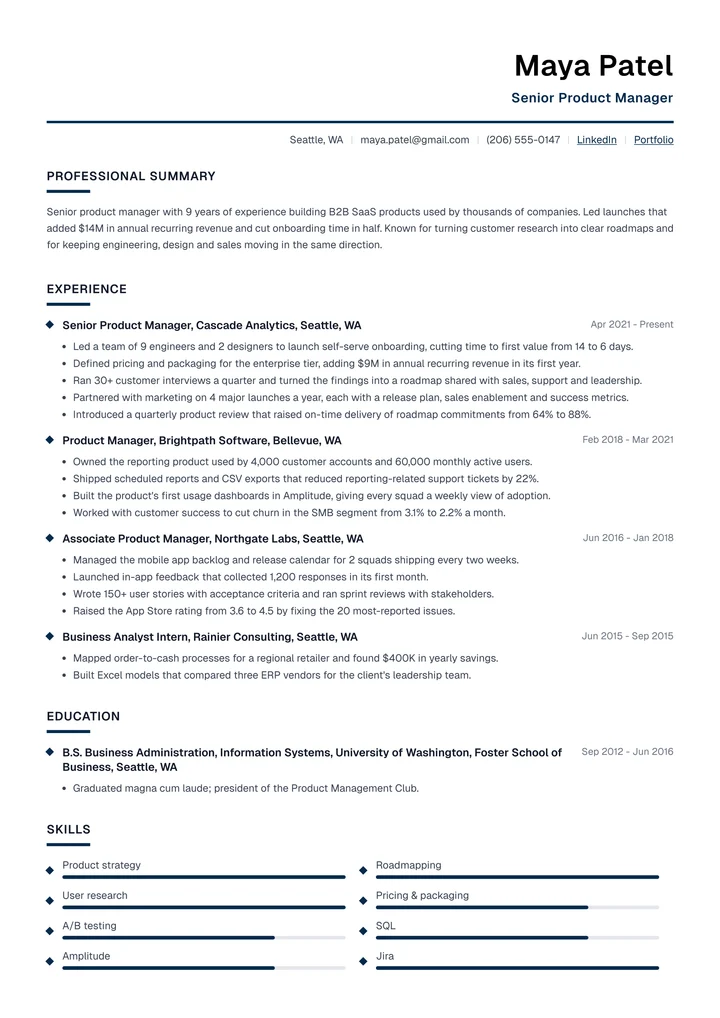
Claude resume prompts for an ATS-friendly PDF.
Claude writes clear, grounded resume copy when you feed it your real history and strict boundaries. The prompts below help you pull out measurable results, tailor your experience to a job posting and avoid generic phrasing. At the end, you can connect Resumondo in Claude so your resume comes back as a finished PDF instead of plain text.
Resumondo team5 min read
Why Claude works well for resumes
Most AI resumes fail for the same reason: the model invents achievements you cannot defend in an interview. Claude follows detailed constraints well when you tell it to stick to your facts and ask before filling gaps.
Before you write a single bullet, give Claude three inputs in one message:
- Your source material: your old resume, a LinkedIn export, performance reviews or rough notes.
- Your target: a specific job posting, not just a job title.
- Your ground rules: no invented numbers, plain English, and standard section headings that an applicant tracking system (ATS, the hiring software employers use to parse and search resumes) can read.
If you use Claude Projects, put your full career notes in the project knowledge once. Every new chat in that project can then tailor a resume to a different posting without re-uploading your background.
Start with a structured fact-finding interview
Writing from a blank page makes most people list duties instead of outcomes. Ask Claude to interview you first so the numbers and scope come out naturally.
I am updating my resume for [target role]. Before you write anything, interview me about my last three jobs, one question at a time. For each role, ask what problem I was hired to solve, what I owned, who used my work and what improved because of it. Ask for concrete numbers like team size, revenue, budget, volume or time saved. If I do not know an exact number, help me check if I can state the scope honestly without guessing. Wait until we finish all three roles, then summarize the facts you collected.
Answer in plain sentences. Do not polish your answers while typing; Claude will tighten them in the next step.
Turn your notes into plain, results-first bullets
Once Claude has your real facts, ask it to draft the resume with strict rules against buzzwords. Keep the phrasing close to how you actually speak in interviews.
Write my resume using only the facts from our conversation and the files I attached. Use standard section headings: Summary, Experience, Education, Skills. Under each job, write three to five bullets. Start each bullet with an action verb, state what I did and end with the result or scale. Never invent metrics, tools, titles or dates. Keep verbs honest to my level, and skip cliches like spearheaded, orchestrated or passionate. Keep the summary to three short lines tailored to [target role].
Compare how a duty reads before and after applying those rules:
BeforeHandled customer support tickets and helped train new team members.
AfterResolved 45 to 60 billing and account tickets a day with a 96% satisfaction score, and wrote the onboarding checklist used by 8 new hires.
Notice the second line uses a range (45 to 60) instead of a fake exact number. Ranges are honest when you remember the weekly pace but not an exact total.
Check your resume against a job posting
Recruiters and ATS filters search for the posting’s own wording. Asking Claude to audit the gaps before rewriting keeps it from stuffing in skills you do not have.
Compare my resume against this job posting. First, list the six requirements the posting emphasizes most. Mark each one as clearly shown, partially shown or missing from my resume. Do not rewrite anything until you show that table. Second, ask me if I have real experience for any missing items. Third, once I reply, rewrite my resume to highlight the matching work, reorder bullets so the most relevant results come first and mirror the posting's exact terms where my experience supports them. Resume: [paste] Job posting: [paste]
If a posting asks for a tool you genuinely used under a different name, update the wording to match. If you have never used it, leave it off and use a short cover letter to explain what transfers.
Save a finished PDF straight from Claude
The slowest part of writing a resume in chat is formatting it afterward. Pasting text into Word, Google Docs or a design tool often introduces text boxes, columns or headers that break ATS parsing.
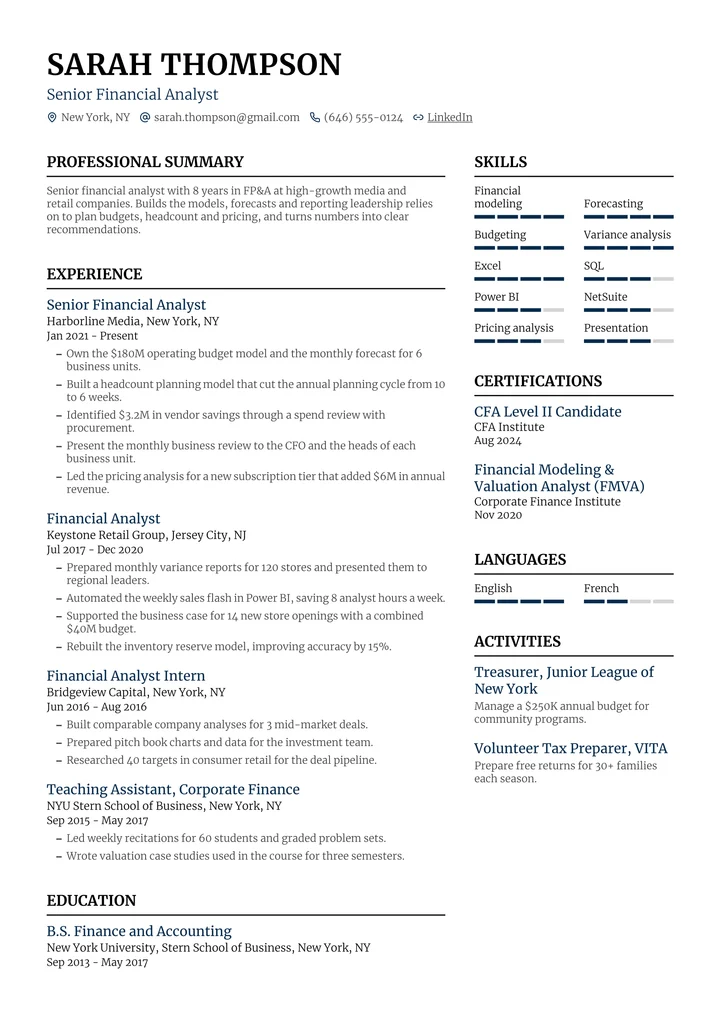
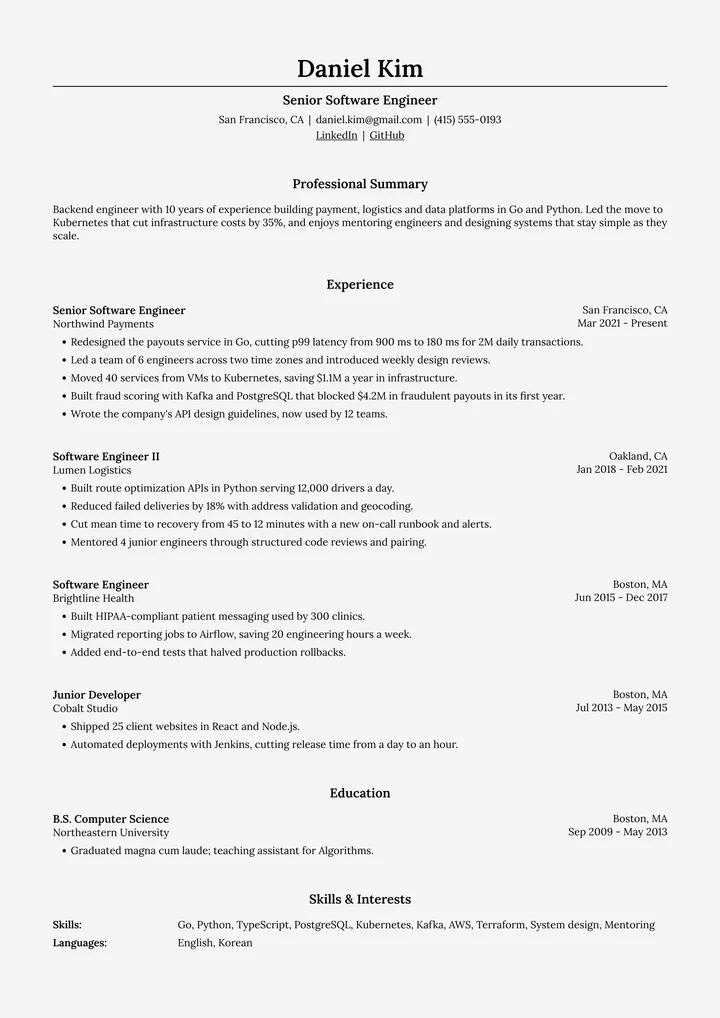
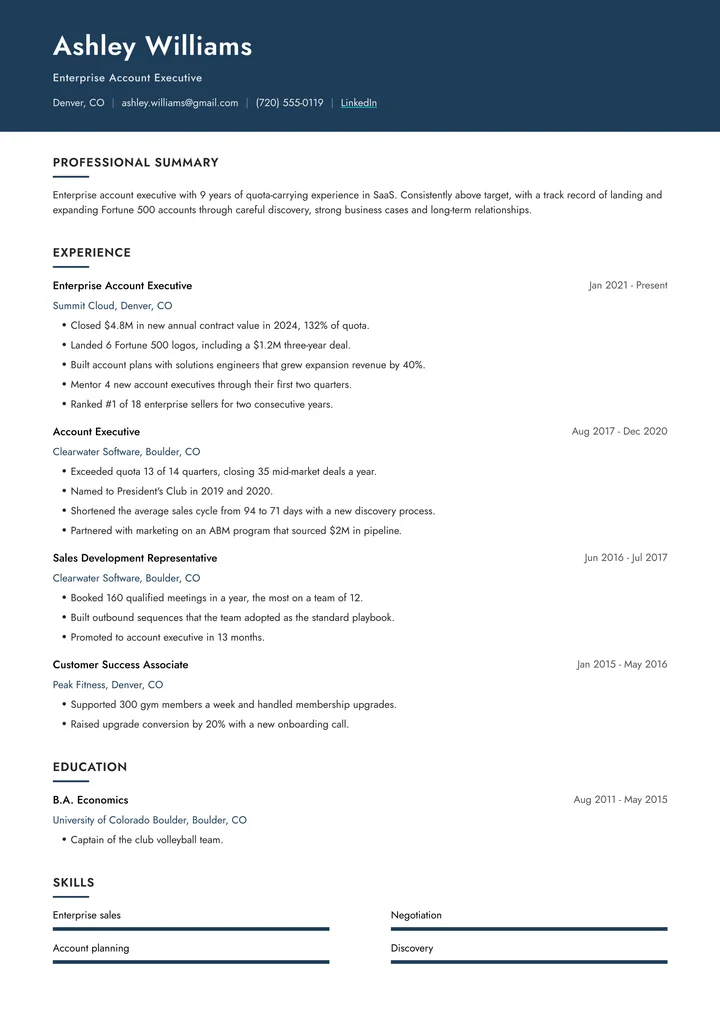
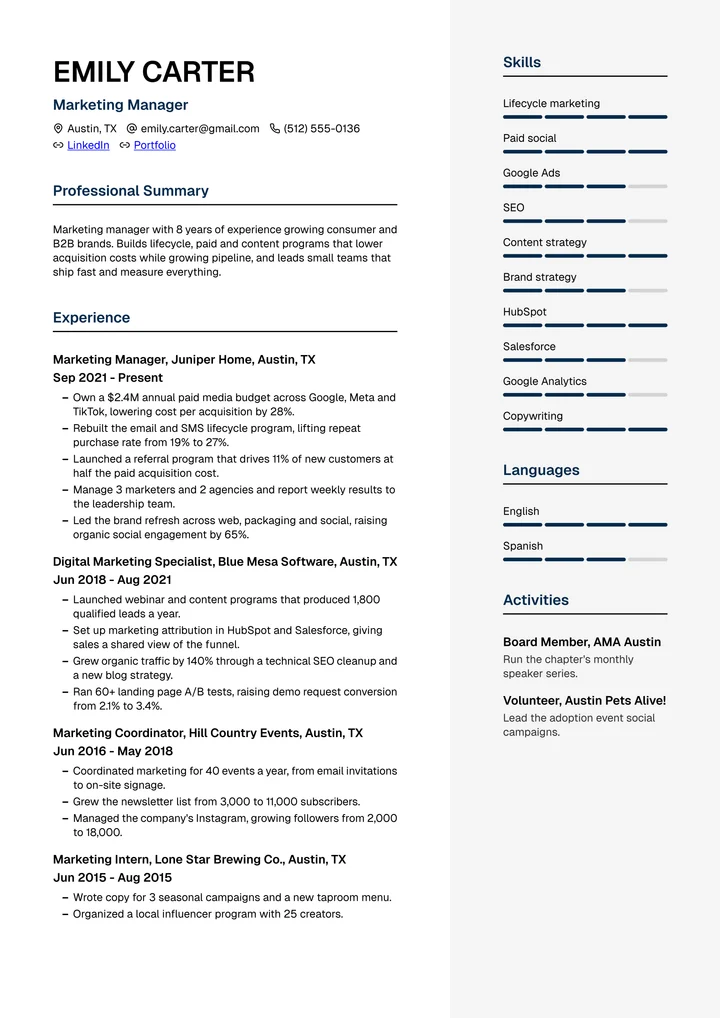
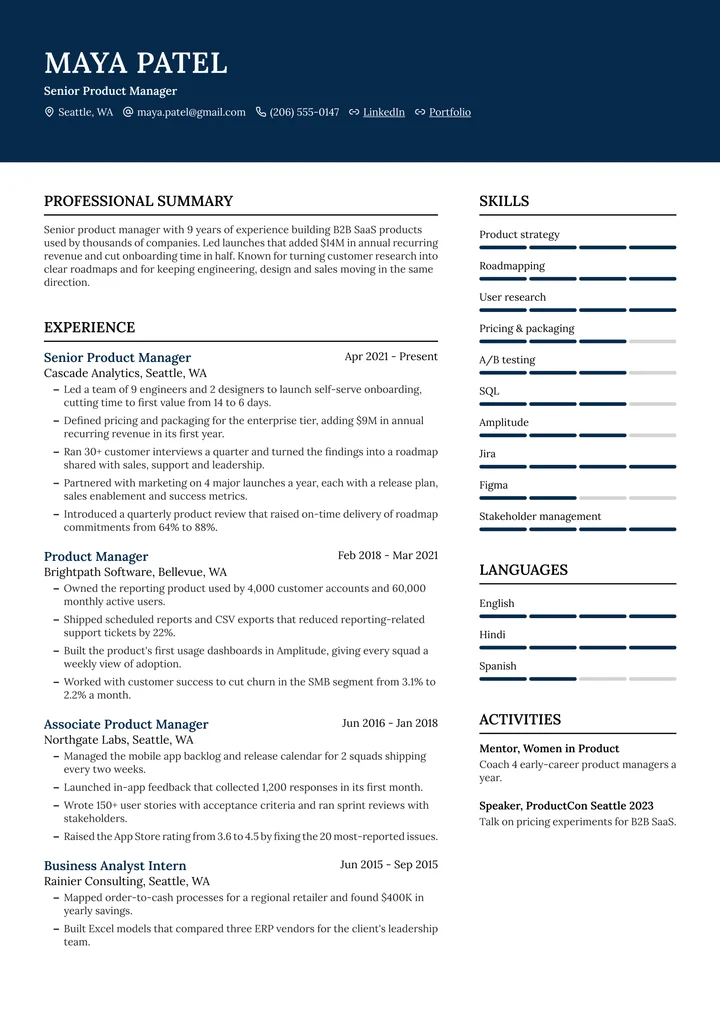
Resumondo connects directly to Claude through Claude’s connector directory, using MCP (Model Context Protocol, a standard way for AI assistants to call external tools). Once connected, Claude writes the resume text and calls Resumondo to lay it out in an ATS-tested template, save it to your account and return a PDF download link.
- Open Resumondo in Claude’s connector directory, or in Claude open Customize, then Connectors, select Discover and search for Resumondo.
- Click Connect to Claude, sign in to Resumondo and click Allow.
- In any chat on claude.ai, the desktop app or mobile, click +, open Connectors and switch on Resumondo.
Resumondo works on Claude’s free plan because it is listed in Claude’s connector directory. On Claude Team and Enterprise, an owner adds it for the workspace first. On the Resumondo side, saving and reading documents from an AI assistant is part of Monthly Access and Lifetime Access.
Once connected, tell Claude what to save:
Show me the templates in Resumondo and recommend two that fit [target role]. Then save the resume we wrote using the template I pick and give me the PDF link.
Read my latest resume in Resumondo and write a one-page cover letter for this job posting. Save it in Resumondo using the same design as the resume. [paste job posting]
Claude can list, read, create and update your resumes and cover letters, and it cannot delete documents or view billing details. Every file it saves also opens in the Resumondo editor if you want to adjust spacing or switch designs. For full setup details, see the Claude setup guide or the Claude integration page.
Run a quick sanity check before applying
Even with good prompts, read every line of the exported PDF before sending it out. Ask Claude for one last strict review:
Review this resume as a hiring manager screening candidates for [target role]. Point out any bullet that sounds vague, any claim missing proof, any date gap and any line that repeats information already shown above. Give me the five highest-impact edits in order.
Finally, test the actual PDF file you plan to upload. Select all the text in the PDF and paste it into a plain text note to confirm your name, contact info and bullets stay in order. You can also upload the file to Resumondo’s ATS resume checker to see what a tracking system reads and which posting keywords are missing. Your first check is free. If you also use OpenAI’s tools, see our ChatGPT resume prompts.