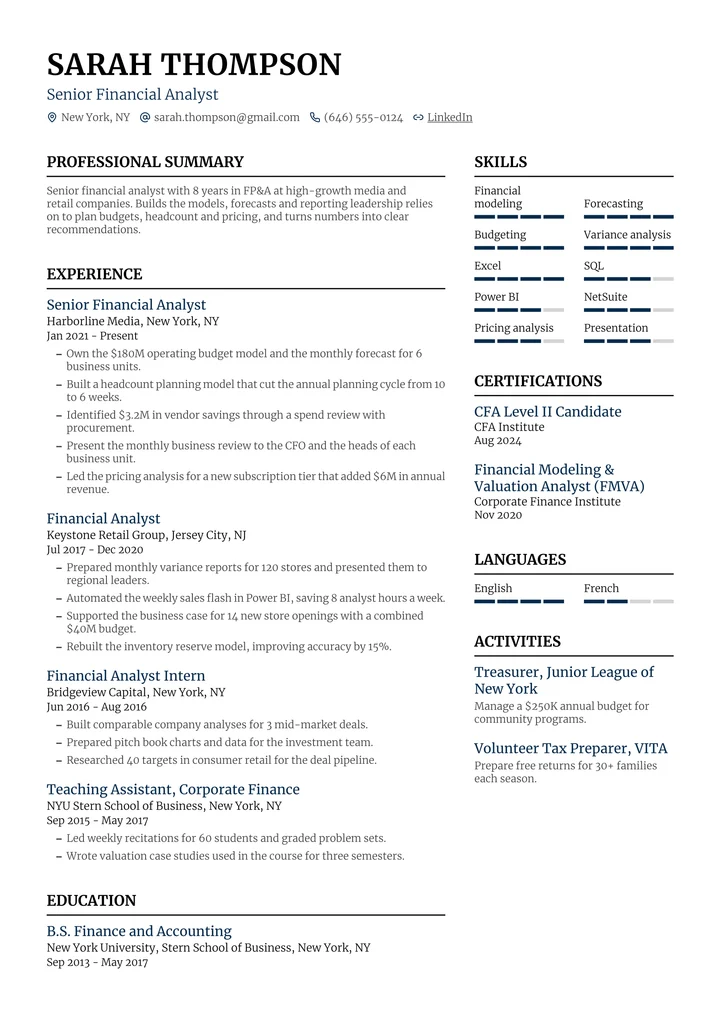
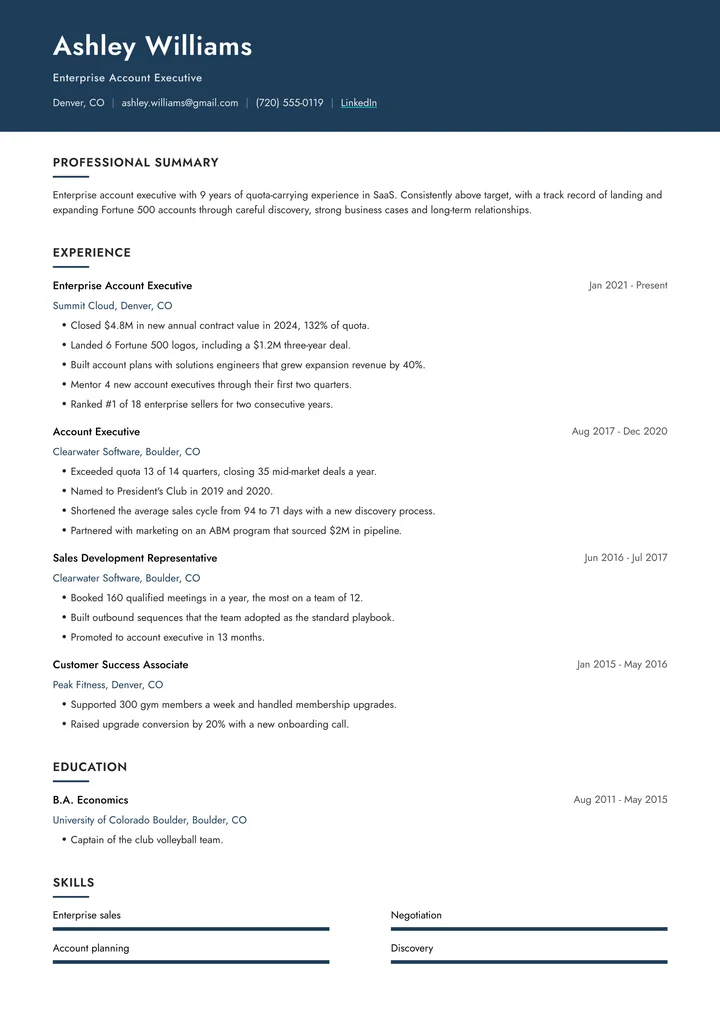
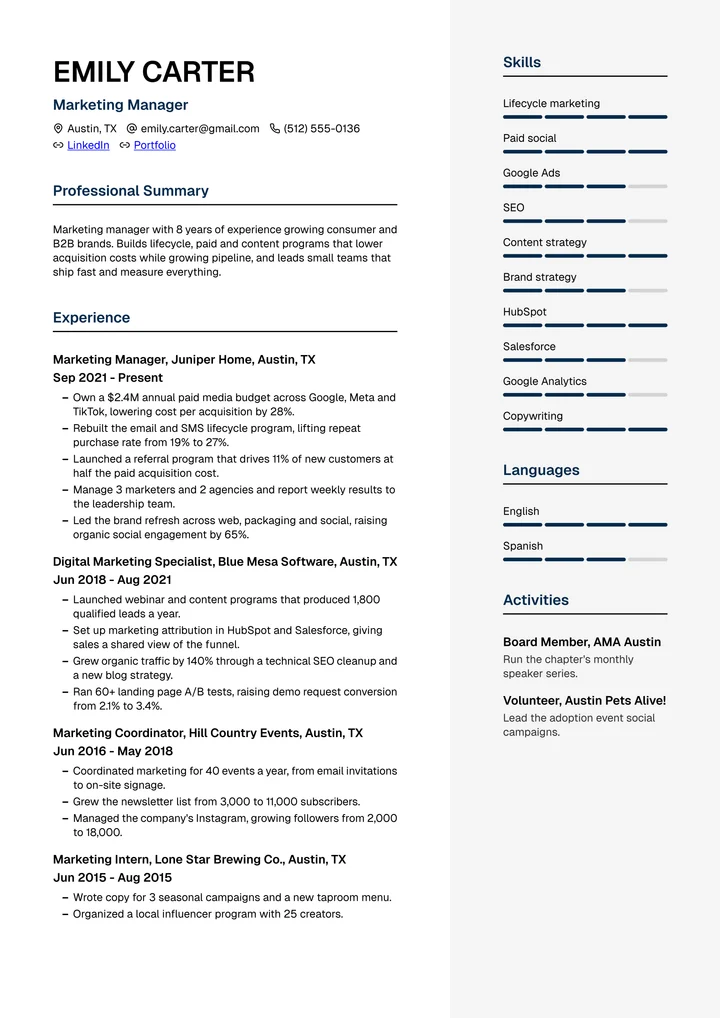
Write your developer resume in Claude Code or Cursor.
Developers usually keep their real proof of work scattered across brag docs, Markdown notes, old LaTeX resumes and git repositories. Instead of pasting fragments into a web chat, you can let Claude Code, Cursor, Codex or VS Code Copilot read your local career folder directly and save a finished, ATS-tested PDF through MCP.
Resumondo team4 min read
Why a coding agent beats a browser chat for tech resumes
Browser chats only see what you remember to paste. Coding agents work inside a folder of your files, which makes them much better at pulling accurate details from your actual history.
Put your career material in one private folder on your machine:
- Your current resume (PDF, Markdown or LaTeX source).
- A brag doc or annual reviews with project outcomes, incident postmortems and promotions.
- Target job postings saved as plain text files (for example, jobs/stripe-backend.txt).
- Links or README files from open-source work or side projects you want to highlight.
Keep confidential employer code and private company data out of your resume text. Stick to your own notes, public metrics and architectural scope you are allowed to share.
Connect Resumondo to your terminal or editor
Writing resume copy in Markdown is easy; turning it into a clean one-page PDF that parses properly in an applicant tracking system (ATS) is where LaTeX macros and HTML-to-PDF scripts break down. Connecting Resumondo over MCP (Model Context Protocol) lets your coding agent write the content and pass structured JSON straight to an ATS-tested template.
Setup takes under two minutes:
- Claude Code: run claude mcp add --transport http --scope user resumondo with the server URL from our Claude Code setup guide, then run /mcp inside Claude Code and choose Authenticate.
- Cursor: click the one-click install button on our Cursor setup guide or add the server URL in Cursor Settings under Tools and MCP, then click Needs authentication.
- Codex: run codex mcp add resumondo with the server URL from the Codex setup guide, then run codex mcp login resumondo.
- VS Code (GitHub Copilot): use the one-click install on the VS Code setup guide or add .vscode/mcp.json, sign in and switch Copilot Chat to Agent mode.
Every client signs in with OAuth in your browser, so you never store API keys in dotfiles or git repos. Saving resumes from an AI agent requires Monthly Access or Lifetime Access on Resumondo.
Pull concrete engineering bullets from your local notes
Hiring managers for engineering roles scan for three things: what system you built, how big it was and what changed because of your work. Point your agent at your local notes first and forbid it from guessing numbers.
Read my current resume in resume.md and my project notes in brag-doc.md. Draft a one-page resume targeted at [Senior Backend Engineer / target role]. For each job, write three to five bullets that name the system, the stack and the measurable outcome (latency, uptime, cost, throughput or team impact). Strict rules: - Use only facts present in my files. - Never invent percentages, revenue figures or user counts. If a strong bullet needs a number I did not write down, ask me for it in a short list before saving. - Keep technical skills grouped cleanly and include only tools I actually used at work.
Here is how a raw note turns into an engineering bullet when your agent follows those rules:
BeforeWorked on checkout API performance and moved services to Kubernetes.
AfterCut p95 checkout API latency from 840 ms to 210 ms by adding Redis caching and rewriting 12 slow PostgreSQL queries across 3M daily transactions.
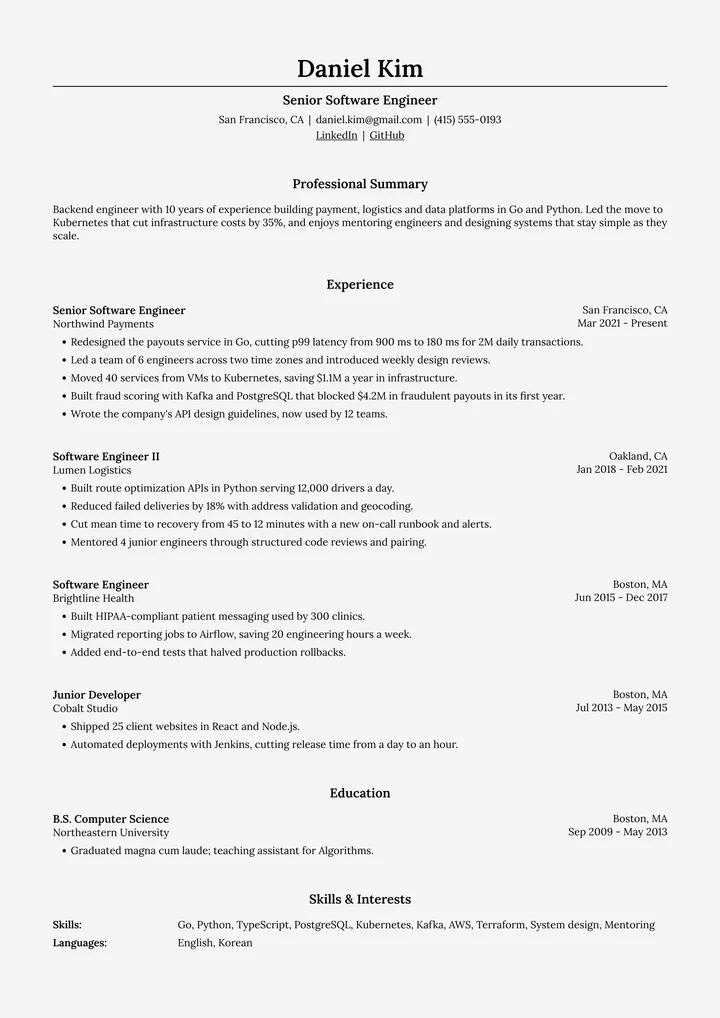
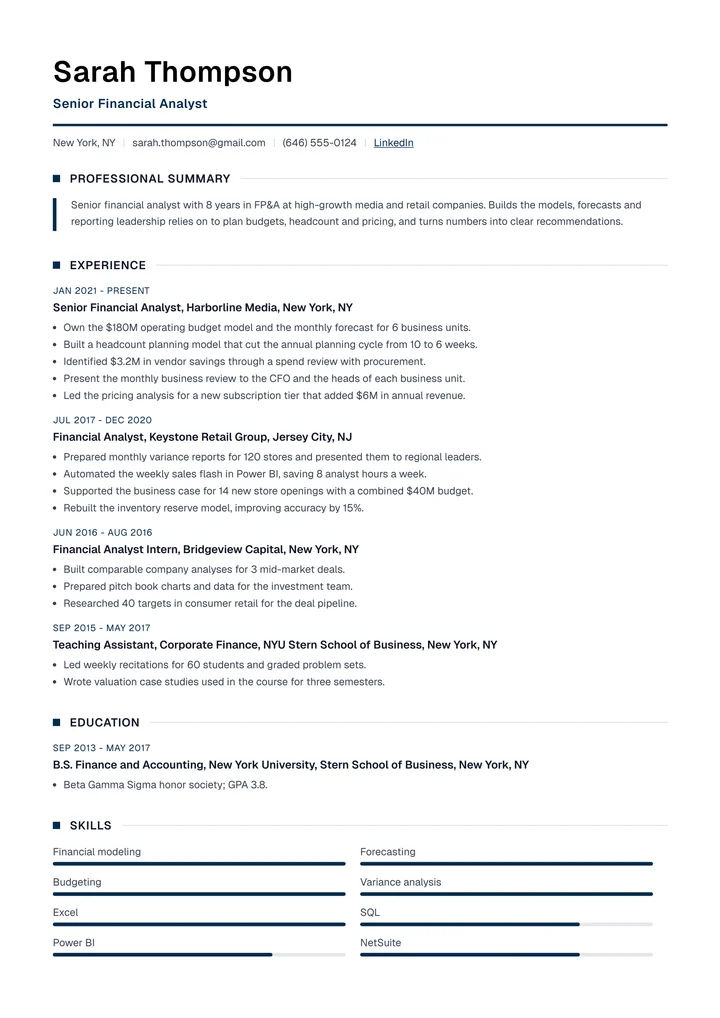
If you want to see how a complete technical resume looks before drafting yours, check our software engineer resume example.
Tailor one version per role from saved job descriptions
Once your base resume is saved in Resumondo, you do not have to maintain five divergent Markdown files locally. Drop a new posting into your jobs folder and ask your agent to create a dedicated version in Resumondo.
Read my main resume from Resumondo using get_resume and compare it against jobs/target-role.txt. 1. List the five core technical requirements in the posting and tell me where my resume matches or has a gap. 2. Rewrite the summary and reorder bullets under my recent roles so the most relevant systems and stack appear first. Match the posting's exact terminology where I genuinely used those tools. 3. Show me the Resumondo templates that fit a technical resume and save this tailored version as a new resume with create_resume so my base copy stays untouched. Return the PDF link.
For developer resumes, clean single-column designs like Verso, Ledger and Clean keep dense stacks readable without squeezing bullet lines.
Keep cover letters and updates in the same workflow
When a role asks for a short cover letter or “why this company” note, your agent already has the tailored resume and the job file open in the workspace.
Using the resume you just saved in Resumondo and jobs/target-role.txt, write a plain, three-paragraph cover letter under 300 words. Connect two specific systems I built to the team's problems described in the posting. Skip stiff opening phrases. Save it in Resumondo linked to that resume so the design matches.
Because Resumondo stores your resumes in your account (not inside your git repo), nothing private gets accidentally committed when you push code. Every PDF link returned by the MCP server stays valid for 7 days, and you can reopen any version in the Resumondo editor or run it through the ATS resume checker before submitting. For a broader look at supported tools and permissions, read how a resume MCP server works.